Menu Planner PDF Template

Menu Planner PDF Template

The Menu Planner form is a practical tool designed to help individuals and families organize their weekly meals efficiently. By filling out this form, you can plan breakfast, lunch, snacks, and dinner for each day of the week. Take the first step towards stress-free meal planning by clicking the button below to fill out the form.

Article Guide

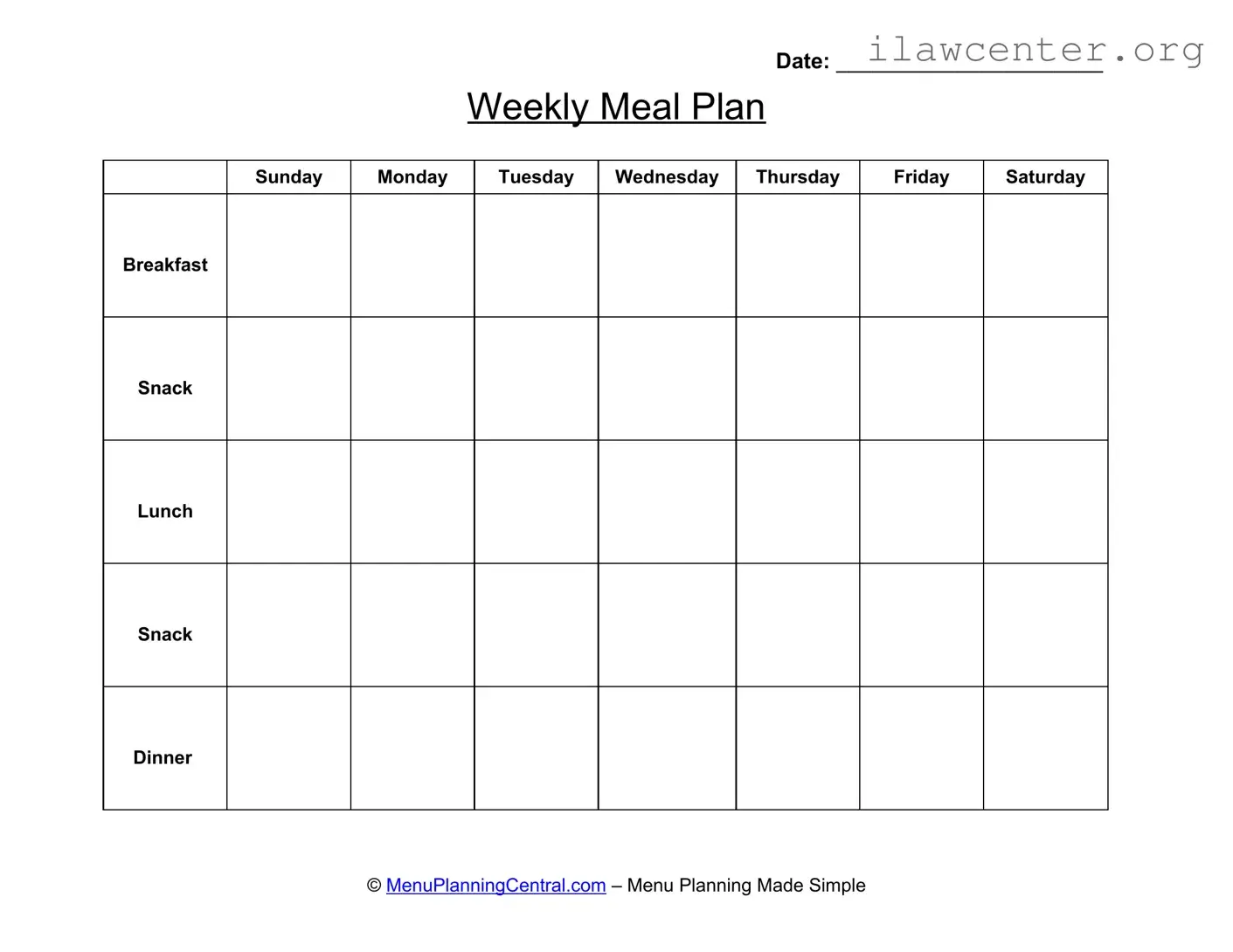
The Menu Planner form serves as a practical tool for organizing meals throughout the week. With designated sections for each day, individuals can outline their breakfast, lunch, dinner, and snacks, ensuring a balanced diet and efficient grocery shopping. The form includes spaces for each day of the week, from Sunday to Saturday, allowing users to visualize their meal choices. By filling out the date at the top, users can keep track of their meal plans over time. This structured approach simplifies meal preparation and encourages healthier eating habits. Overall, the Menu Planner form streamlines the process of planning meals, making it easier for individuals and families to stay on track with their dietary goals.

Date: ______________________
Weekly Meal Plan
Sunday Monday Tuesday Wednesday Thursday Friday Saturday
Breakfast
Snack
Lunch
Snack
Dinner
© MenuPlanningCentral.com – Menu Planning Made Simple

File Properties

Fact Name Details
Date Enter the date for the meal plan.
Weekly Meal Plan Plan meals for each day of the week.
Days of the Week Includes Sunday through Saturday.
Meal Categories Includes Breakfast, Snack, Lunch, and Dinner.
Menu Planning Made Simple A tagline emphasizing ease of use.
State-Specific Forms May vary by state; check local regulations.
Governing Laws Refer to state health and nutrition laws.
Usage Helps in organizing meals for better nutrition.
Flexibility Allows for customization based on dietary needs.
Easy Tracking Facilitates tracking of meals and snacks.

Instructions on Utilizing Menu Planner

Completing the Menu Planner form is essential for organizing your meals throughout the week. This process will help streamline your meal preparation and ensure that you have a balanced diet. Follow these steps carefully to fill out the form accurately.

  1. Write the current date in the space provided at the top of the form.
  2. Begin with the "Breakfast" section for each day of the week. Fill in your planned breakfast items for Sunday through Saturday.
  3. Move to the "Snack" section. List your snack options for each day, placing them in the designated areas.
  4. Next, fill in the "Lunch" section. Write down your lunch choices for Sunday through Saturday.
  5. Repeat the process for the "Snack" section again, noting any afternoon snacks you wish to include.
  6. Finally, complete the "Dinner" section by writing down your dinner plans for each day of the week.

Once you have filled out all sections, review your entries to ensure accuracy. This will help you stay organized and make meal preparation more efficient.

Important Facts about Menu Planner

What is the Menu Planner form used for?

The Menu Planner form is designed to help individuals and families organize their meals for the week. It provides a structured way to plan breakfast, lunch, snacks, and dinner for each day, ensuring balanced nutrition and reducing the stress of last-minute meal decisions.

How do I fill out the Menu Planner form?

To fill out the form, start by writing the date at the top. Then, for each day of the week, write down your meal plans for breakfast, lunch, snacks, and dinner. You can customize it based on your dietary preferences, family needs, or any special occasions during the week.

Can I use the Menu Planner form for dietary restrictions?

Yes, the Menu Planner form is flexible and can accommodate various dietary restrictions. Simply adjust your meal choices for each day to align with any allergies, intolerances, or specific diets you or your family may follow.

Is the Menu Planner form suitable for meal prepping?

Absolutely. The Menu Planner form can be an excellent tool for meal prepping. By planning your meals in advance, you can prepare larger batches of food, saving time and ensuring you have healthy options ready to go throughout the week.

How often should I use the Menu Planner form?

It’s recommended to use the Menu Planner form weekly. This allows you to plan meals according to your schedule, seasonal ingredients, and any changes in your family’s routine. Regular use can help streamline grocery shopping and meal preparation.

Can I modify the Menu Planner form?

Yes, you can modify the form to suit your needs. If you prefer to add additional sections, such as a grocery list or notes for each meal, feel free to do so. The goal is to make meal planning as effective and convenient as possible for you.

What if I don't have time to plan meals every week?

If time is an issue, consider setting aside a specific time each week for meal planning. Even a quick 10-15 minutes can help you outline a basic plan. Alternatively, you can reuse previous meal plans to save time while still enjoying variety.

Can I involve my family in the meal planning process?

Involving family members in the meal planning process can be beneficial. It encourages everyone to contribute ideas and preferences, making meal times more enjoyable. You can ask for input on favorite meals or new recipes to try together.

Where can I find recipes to fill in the Menu Planner form?

There are numerous resources for recipes, including cookbooks, food blogs, and cooking apps. You can also explore social media platforms for inspiration. Choose recipes that fit your planned meals and that your family will enjoy.

What if I want to change my meal plan during the week?

It’s perfectly fine to change your meal plan as needed. Life can be unpredictable, and flexibility is key. If something comes up or you simply change your mind, adjust your plan accordingly. The Menu Planner form is a tool to help you, not a strict guideline.
Common mistakes

When filling out the Menu Planner form, individuals often overlook the importance of accurately recording the date. This oversight can lead to confusion regarding meal planning for the week. A missing or incorrect date may result in meals being prepared for the wrong week, causing unnecessary stress and food waste.

Another common mistake involves neglecting to plan snacks throughout the week. Many users focus solely on breakfast, lunch, and dinner, leaving snack options unaddressed. This can lead to unhealthy eating habits or last-minute decisions that compromise nutritional balance. Including snacks in the plan ensures a more comprehensive approach to meal preparation.

In addition, individuals frequently fail to consider dietary restrictions or preferences when filling out the form. Ignoring these factors can lead to meals that are unsuitable for certain family members or guests. By taking into account allergies, intolerances, and personal tastes, users can create a more inclusive and enjoyable meal plan.

Lastly, some people do not utilize the entire space provided for each day. The Menu Planner form allows for multiple entries under each meal category. Failing to maximize this feature may result in repetitive meals or a lack of variety throughout the week. A well-rounded menu can enhance the dining experience and promote healthier eating habits.

Documents used along the form

When managing meal planning, several documents can complement the Menu Planner form, enhancing organization and efficiency. Each of these forms serves a unique purpose, helping to streamline the meal preparation process and ensure that dietary needs are met.

  • Grocery List: This document outlines all the ingredients needed for the meals planned for the week. It helps avoid last-minute trips to the store and ensures all necessary items are purchased.
  • Recipe Cards: These cards contain detailed instructions for preparing each meal. They can include cooking times, ingredient lists, and serving sizes, making it easier to follow recipes.
  • Food Inventory Sheet: This sheet tracks what food items are already available in the pantry and refrigerator. It helps in minimizing waste and ensures that existing ingredients are used before purchasing more.
  • Dietary Restrictions Form: This document lists any allergies or dietary preferences for individuals in the household. It ensures that all meals cater to specific needs and avoids potential health risks.
  • Meal Prep Schedule: This schedule outlines when each meal will be prepared and any necessary pre-preparation tasks. It helps in managing time effectively and ensures that meals are ready when needed.
  • Portion Control Guide: This guide provides information on appropriate serving sizes for various food groups. It assists in maintaining a balanced diet and controlling portion sizes.
  • Leftover Tracker: This document is used to keep track of leftover meals and ingredients. It can help in planning future meals and reducing food waste.
  • Nutrition Log: This log records the nutritional information of meals consumed throughout the week. It can help individuals monitor their dietary intake and make healthier choices.

Utilizing these forms alongside the Menu Planner can significantly enhance meal planning efforts. By staying organized and informed, individuals can create balanced and enjoyable meal experiences for themselves and their families.

Similar forms

The Menu Planner form serves as a valuable tool for organizing meals throughout the week. Its structure and purpose share similarities with several other documents commonly used in meal planning and dietary management. Here are five documents that resemble the Menu Planner form:

  • Grocery List: Like the Menu Planner, a grocery list outlines specific items needed for meals. It helps streamline shopping by ensuring all necessary ingredients are accounted for, thus preventing last-minute runs to the store.
  • Recipe Card: A recipe card provides detailed instructions for preparing meals, similar to how the Menu Planner lays out a schedule. Both documents facilitate meal preparation by organizing information in an easily digestible format.
  • Meal Prep Schedule: This document focuses on the timing of food preparation, akin to the Menu Planner's weekly layout. It helps individuals allocate time for cooking and ensures that meals are ready when needed, enhancing efficiency in the kitchen.
  • Dietary Journal: A dietary journal tracks food intake and nutritional information, much like the Menu Planner tracks meals. Both documents encourage mindfulness about food choices and can assist in meeting dietary goals.
  • Calorie Tracker: A calorie tracker monitors caloric intake, similar to how the Menu Planner organizes meals. Both tools help individuals maintain awareness of their eating habits and can support healthier lifestyle choices.

Dos and Don'ts

When filling out the Menu Planner form, consider these important dos and don'ts to ensure clarity and effectiveness in your meal planning.

  • Do fill in the date clearly at the top of the form.
  • Do plan meals for each day of the week, including all meals and snacks.
  • Do use specific food items rather than vague descriptions.
  • Do keep the form organized and neat for easy reference.
  • Do review the plan for variety and balance in nutrition.
  • Don't leave any sections blank; every meal should be accounted for.
  • Don't use abbreviations or shorthand that may confuse others.
  • Don't forget to consider dietary restrictions or preferences.
  • Don't overlook the importance of portion sizes in your planning.
  • Don't submit the form without double-checking for errors.

Misconceptions

When it comes to the Menu Planner form, several misconceptions can lead to confusion among users. Understanding these myths can help individuals utilize the form more effectively.

  • It is only for nutritionists or dietitians. Many people believe that only professionals should use the Menu Planner form. In reality, anyone can benefit from it, whether they are families planning meals or individuals trying to eat healthier.
  • It requires extensive culinary knowledge. Some think that using the Menu Planner form necessitates advanced cooking skills. However, the form is designed to be user-friendly, allowing anyone to plan meals, regardless of their cooking experience.
  • It is too complicated to fill out. Many users feel intimidated by the form, assuming it is complex. In truth, it is straightforward and can be filled out quickly, making meal planning accessible to everyone.
  • It is only for large families. Some individuals believe that the Menu Planner form is only useful for those with big households. However, it can be beneficial for anyone, regardless of family size, helping to organize meals and reduce food waste.
  • It is not flexible. A common misconception is that the Menu Planner form locks users into a rigid meal plan. On the contrary, it allows for adjustments and changes, accommodating unexpected events or cravings.

By dispelling these misconceptions, individuals can take full advantage of the Menu Planner form, making their meal planning process smoother and more enjoyable.

Key takeaways

Filling out the Menu Planner form can streamline your weekly meal preparation. Here are some key takeaways to consider:

  • Organization is Key: Use the form to map out meals for each day of the week. This helps ensure you have a balanced diet and reduces last-minute decisions.
  • Variety Matters: Incorporate different foods in your meal plan. This not only keeps meals interesting but also ensures you get a range of nutrients.
  • Snack Planning: Don’t forget to include snacks. Planning these can help manage hunger and maintain energy levels throughout the day.
  • Flexibility is Important: While it’s good to have a plan, be open to changes. Life can be unpredictable, and adapting your meals can help reduce stress.
  • Utilize Leftovers: Consider planning meals that can be repurposed as leftovers. This can save time and reduce food waste.
  • Review and Adjust: At the end of the week, evaluate what worked and what didn’t. Adjust your planning process accordingly for better results next time.