






Instructions on Utilizing Mv 427 Penndot
Filling out the MV-427 form is an essential step in the application process for a new inspection station or for making changes to an existing station. Ensure that all required information is accurate and complete to avoid delays or rejection of your application.
- Obtain the Form: Download the MV-427 form from the PennDOT website or request a physical copy from your local PennDOT office.
- Use Black Ink: Fill out the form using black ink. Print clearly or type your responses.
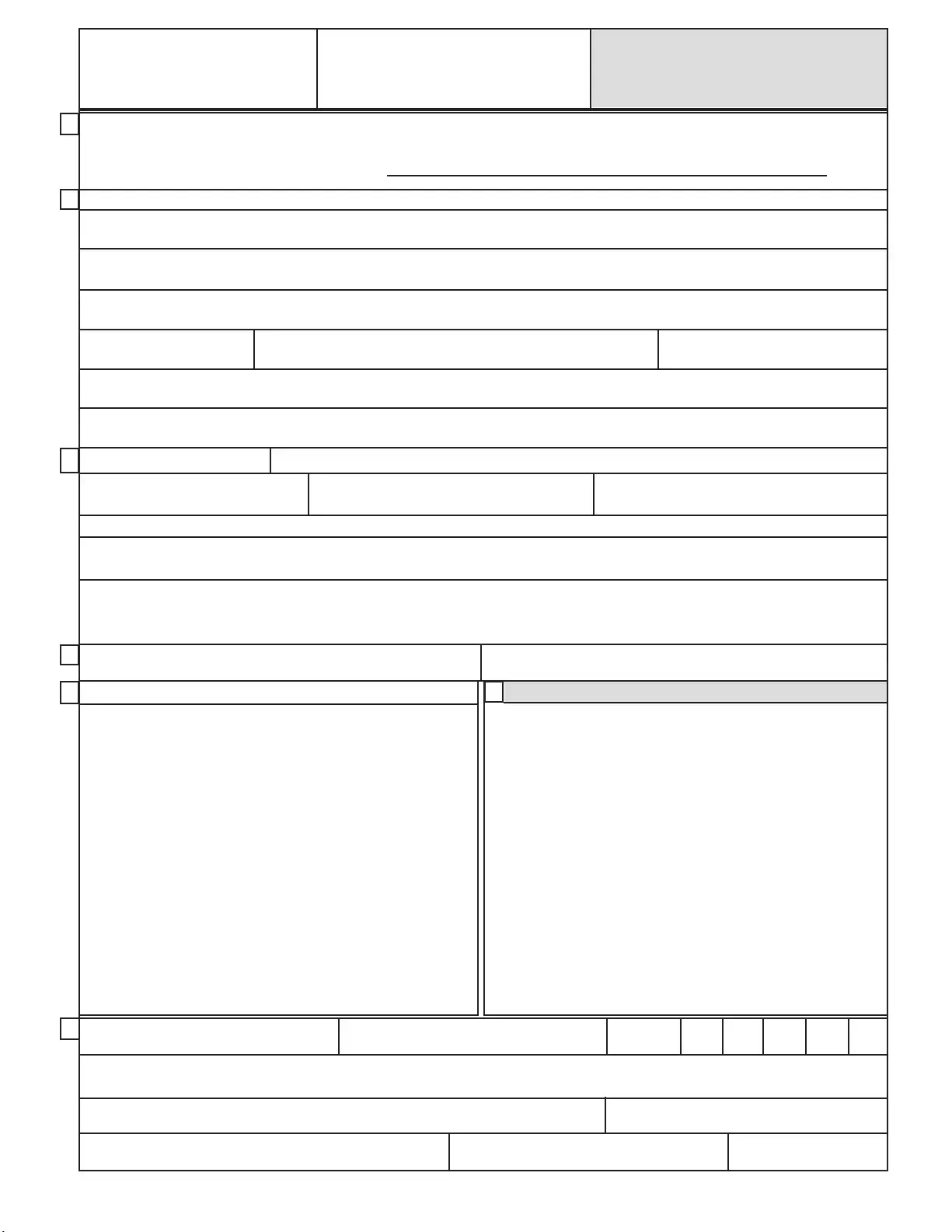
- Section A - Reason for Application: Indicate the reason for your application by checking the appropriate box, such as "New Inspection Station" or "Change of Location."
- Section B - Business Information: Provide the business name, address, telephone number, owner's name, and driver's license number. If applicable, fill in the mailing address.
- Section C - Business Classification: Check the ownership class (Sole Proprietorship, Partnership, Corporation) and provide your Federal ID number and State Sales Tax number.
- Inspection Area Size: Specify the size of the inspection area and the type of station you wish to operate.
- Section D - Current Stations: If you own other inspection stations, list their numbers. If canceling a station, provide the current station number or name.
- Section E - Letter of Authority: Complete this section only if someone other than the owner or corporate officer is responsible for operating the business.
- Section G - Signature: Sign the application. Ensure that the signature is from the owner or corporate officer. If Section E is filled out, that person must also sign.
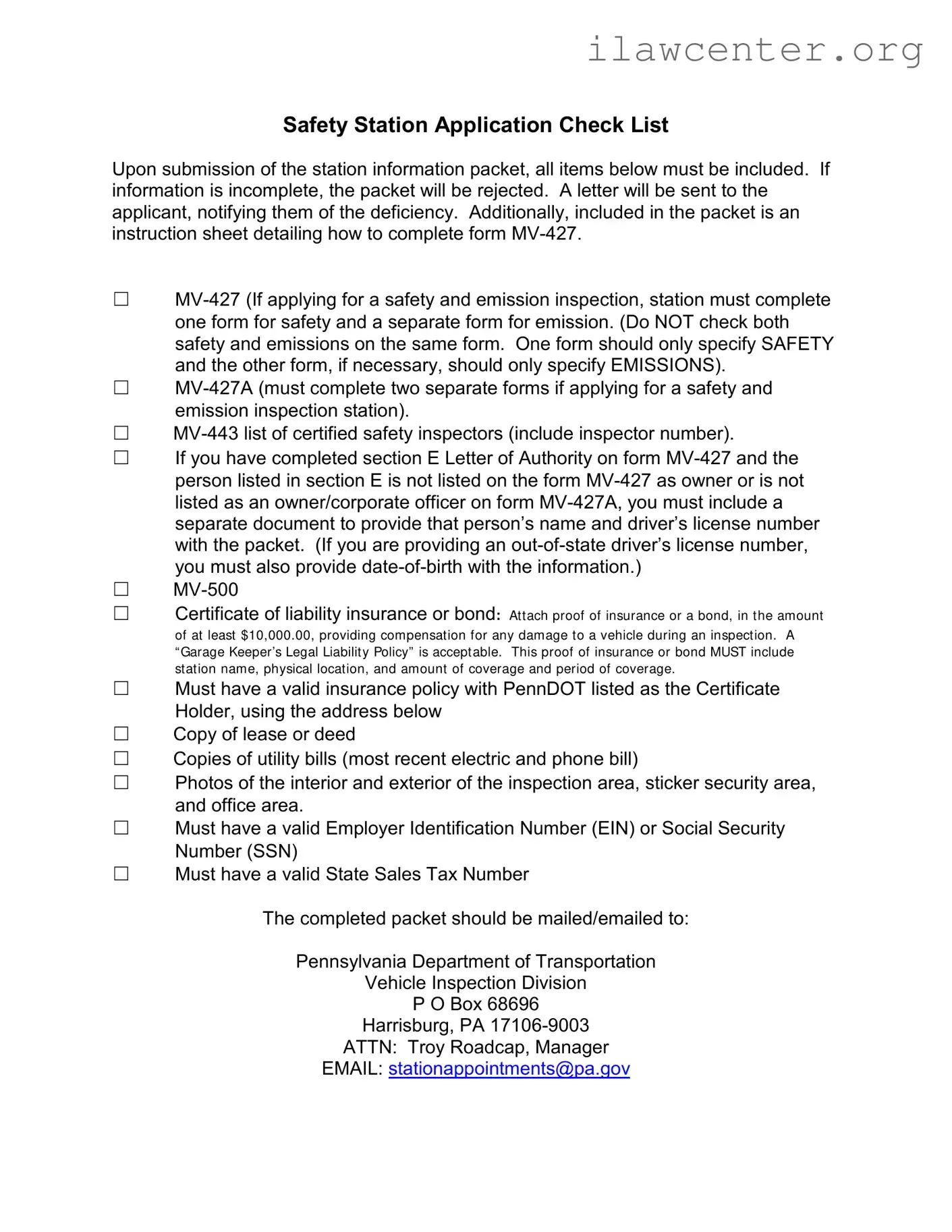
- Gather Required Documents: Collect all necessary supporting documents, such as proof of insurance, lease or deed, utility bills, and photos of the inspection area.
- Submit the Application: Mail or email the completed application and supporting documents to the Pennsylvania Department of Transportation at the provided address.