Uk Passport Application PDF Template

Uk Passport Application PDF Template

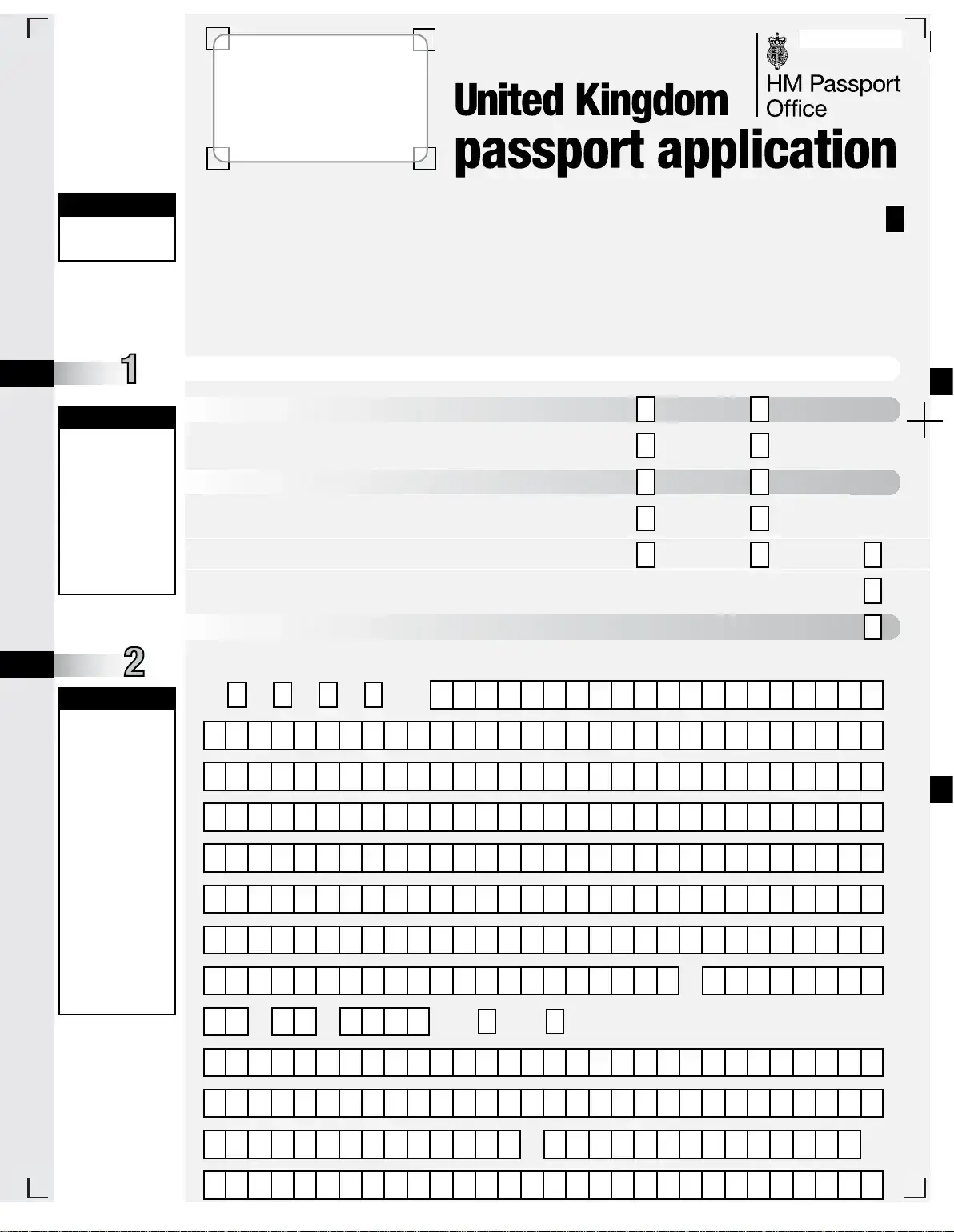
The UK Passport Application form is a document used by British citizens residing outside the UK to apply for or renew their passports. This form is specifically designed for applicants from certain countries, and it requires accurate information to ensure a smooth application process. To get started on your application, click the button below.

Article Guide

Applying for a UK passport from abroad involves completing a specific application form designed for British applicants residing in certain countries. This form requires clear and accurate information to ensure a smooth application process. Applicants must fill out the form using black ink and capital letters, strictly adhering to the provided guidance. Key sections include personal details such as full name, address, date of birth, and contact information. It’s essential to indicate the type of passport being applied for, whether it’s a renewal, a first passport, or a replacement for a lost or stolen document. Additional details about parental information are necessary for applicants under 16, and any previous passport history must be disclosed. Applicants should be aware that failure to provide complete and accurate information can lead to delays. Furthermore, a countersignatory may be required, who must verify the identity of the applicant and attest to the correctness of the information provided. Understanding these requirements is crucial for a successful application.

Uk Passport Application Preview

GET IT RIGHT
GET IT RIGHT
GET IT RIGHT
SECTION
SECTION
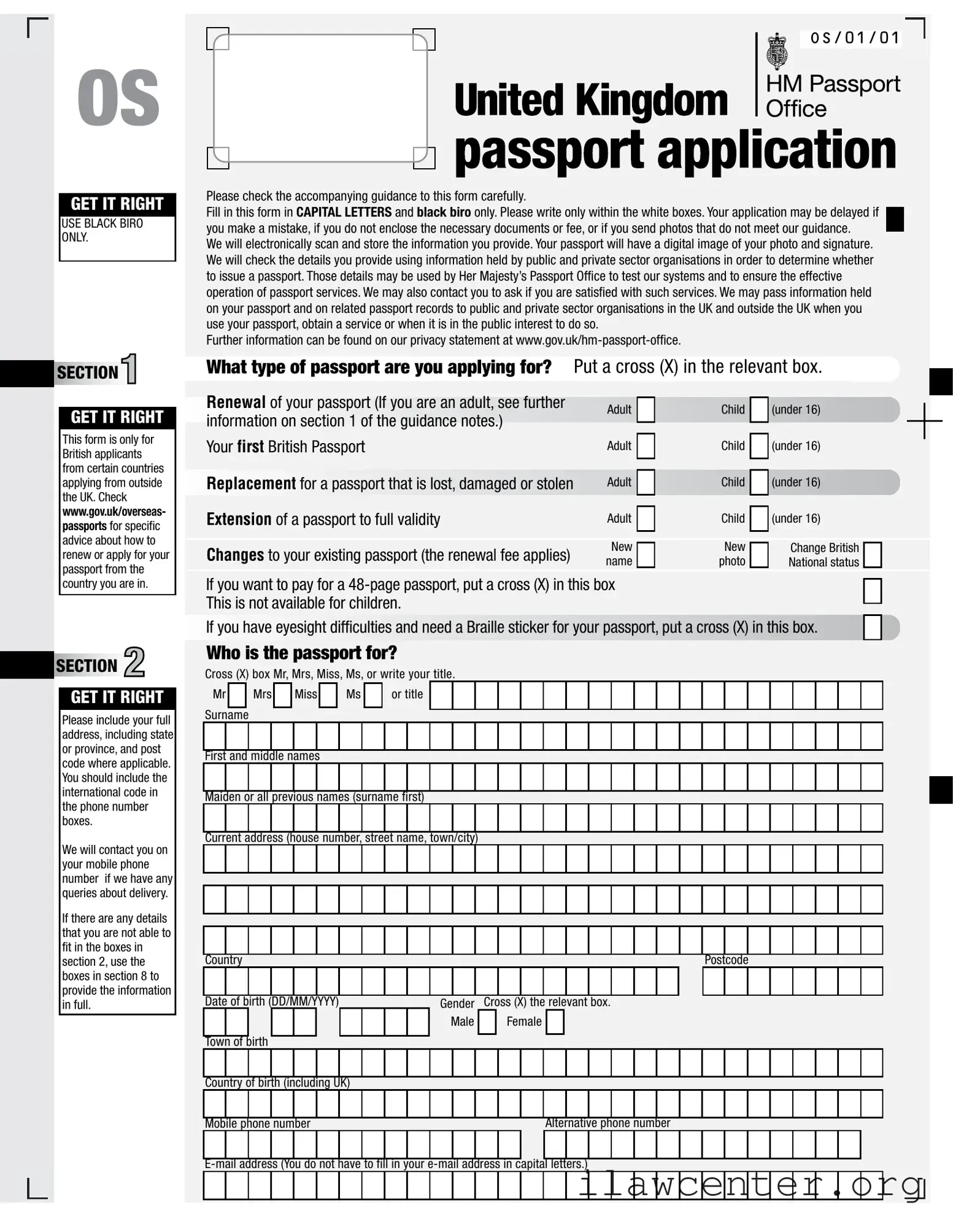
Please check the accompanying guidance to this form carefully.
Fill in this form in CAPITAL LETTERS and black biro only. Please write only within the white boxes. Your application may be delayed if
you make a mistake, if you do not enclose the necessary documents or fee, or if you send photos that do not meet our guidance.
We will electronically scan and store the information you provide. Your passport
will have a digital image of your photo and signature.
We will check the details you provide using information held by public and private sector organisations in order to determine whether
to issue a passport. Those details may be used by Her Majesty’s Passport Office to test our systems and to ensure the effective
operation of passport services. We may also contact you to ask if you are satisfied w
ith such services. We may pass information held
on your passport and on related passport records to public and private sector organisations in the UK and outside the UK when you
use your passport, obtain a service or when it is in the public interest to do so.
Further information can be found on our privacy statement at www.gov.uk/hm-passport-office.
E-mail address (You do not have to fill in your e-mail address in capital letters.)
Mobile phone number
Country of birth (including UK)
Town of birth
Date of birth (DD/MM/YYYY)
Country
Current address (house number, street name, town/city)
Maiden or all previous names (surname first)
First and middle names
Surname
Cross (X) box Mr, Mrs, Miss, Ms, or write your title.
Alternative phone number
OS
Male Female
Gen
der
Cross (X) the relevant box.
Postcode
Please include your full
address, including state
or province, and post
code where applicable.
You should include the
international code in
the phone number
boxes.
We will contact you on
your mobile phone
number if we have any
queries about delivery.
If there are any details
that you are not able to
fit in the boxes in
section 2, use the
boxes in section 8 to
provide the information
in full.
This form is only for
British applicants
from certain countries
applying from outside
the UK. Check
www.gov.uk/overseas-
passports
for specific
advice about how to
renew or apply for your
passport from the
country you are in.
USE BLACK BIRO
ONLY.
What type of passport are you applying for?
Who is the passport for?
Put a cross (X) in the relevant box.
Renewal of your passport (If you are an adult, see further
information on section 1 of the guidance notes.)
Your first British Passport
Replacement for a passport that is lost, damaged or stolen
Extension of a passport to full validity
Changes to your existing passport (the renewal fee applies)
If you want to pay for a 48-page passport, put a cross (X) in this box
This is not available for children.
If you have eyesight difficulties and need a Braille sticker for your passport, put a cross (X) in this box.
Mr Mrs Miss Ms or title
Change British
National status
New
photo
New
name
Adult
Adult
Adult Child (under 16)
(under 16)
(unde
r 16)
Child
Child
OS/01/01
GET IT RIGHT
GET IT RIGHT
If you are applying to
replace a lost or stolen
passport, you must also
fill in form LS01. Please
refer to the guidance
booklet for details on
where to obtain form
LS01. We cannot
process your application
until you send us form
LS01. If you have
already sent us form
LS01 please tell us at
Section 8.
Fill in this section if
you are applying:
- for your first adult
British passport
- to replace
a British
passport that has
been lost, stolen or
damaged
- for a British passport
for a child under
16, or
- to extend a British
passport.
If there are details
you are not able to fit
in the boxes in section
4, use the boxes at
section 8 to include
extra information.
OS/01/02
BOEF
YN
Partner Reference
Payment
Payment type
Block Application
SBC MC Photos
FBC PPT Nat Cert
PT
Documents produced
PT PTOB/EX OB/EX OB/EX Other documents - specify
Office use only
SECTION
SECTION
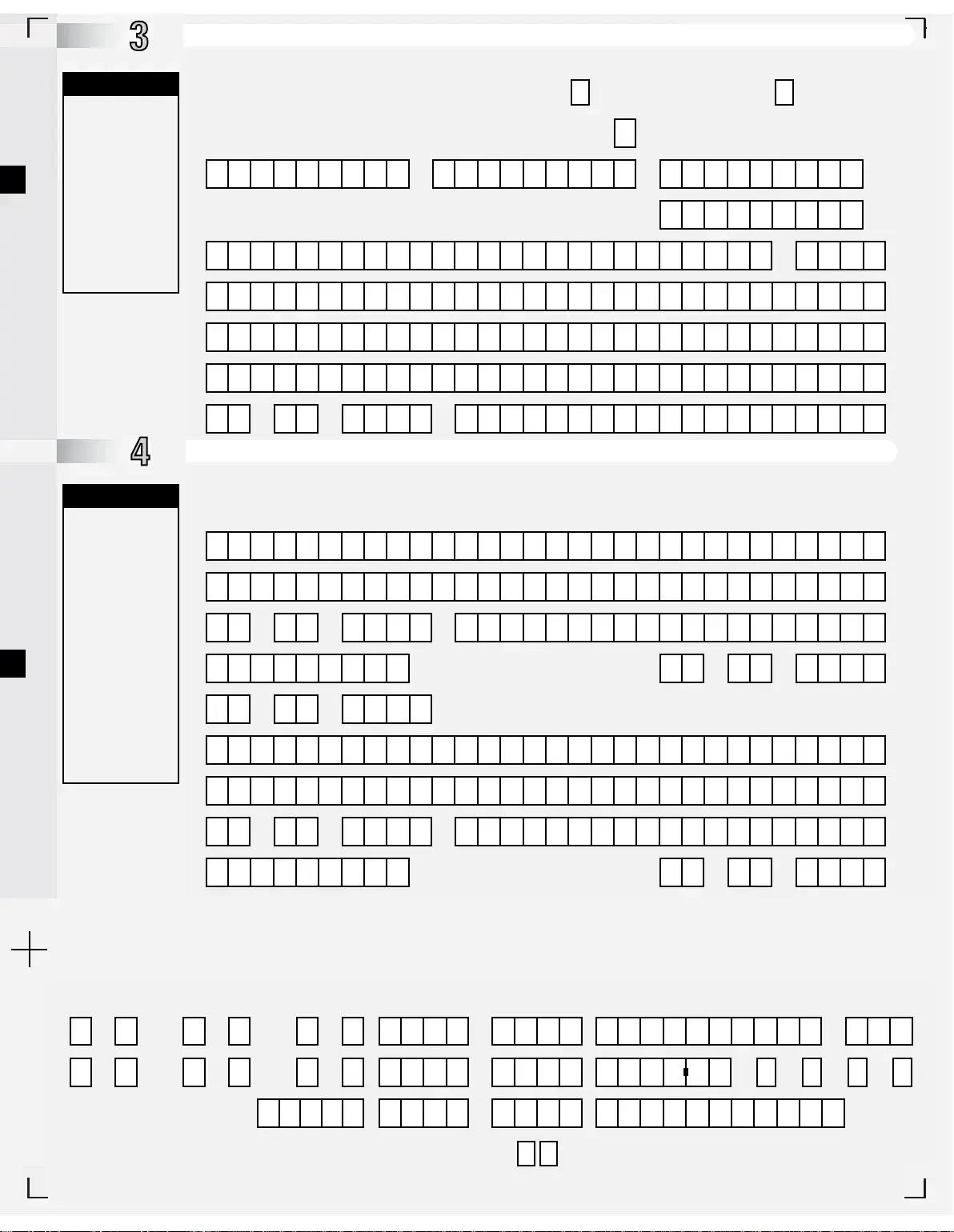
If they have a British passport, give the number.
Date of birth (DD/MM/YYYY)
Town and country of birth
Nationality and citizenship at the time of the applicant’s birth
Have you had or been included on any sort of passport before?
Parents’ details
(You must fill in this section.)
A Has the person named in section 2 had any sort of passport
(British or otherwise) or been included in any passport before?
B You must send us all uncancelled passports with the application
(say how many in the box). If the passports are lost or stolen, go to 3C.
Father’s or Parent 2s full name (surname first)
Mothers or Parent 1s full name (surname first)
Date of loss (DD/MM/YYYY)
How the passport was lost, or why it is not available
First and middle names
Holders surname at the time it was issued
Issued at
c Details of the lost and stolen passport
Place of loss
Date of marriage or civil partnership to the father or second parent of the person named in section 2 (if this applies).
If they have
a British passport, give the number.
Date of issue (DD/MM/YYYY)
If both parents named below were born after 31st December 1982 OR were born outside the UK, we will also need the full name,
town, country, date of birth and date of marriage of your grandparents (or details of your parents claim to British nationality).
Write these details in Section 8, or on a separate piece of
paper.
Chq PO Csh
Cr/
Db
Yes No
Go to 3B below.
3 Passport number2 Passport number1 Passport number
Lost/Stolen Passport number
in year
Post opener number
GET IT RIGHT
Please read the notes
on applications for
children. Section 9
must be signed by a
person with parental
responsibility for the
child.
GET IT RIGHT
This area is
intentionally blank,
please do not write in
this area
SECTION
SECTION
SECTION
SECTION
Children aged 12-15
Has the person named in section 2 been granted a certificate of registration or naturalisation?
Cross (X) the box.
No
Certificate number Place of issue
Yes
Date DD/MM/YYYY
Give the date of issue here
and details below.
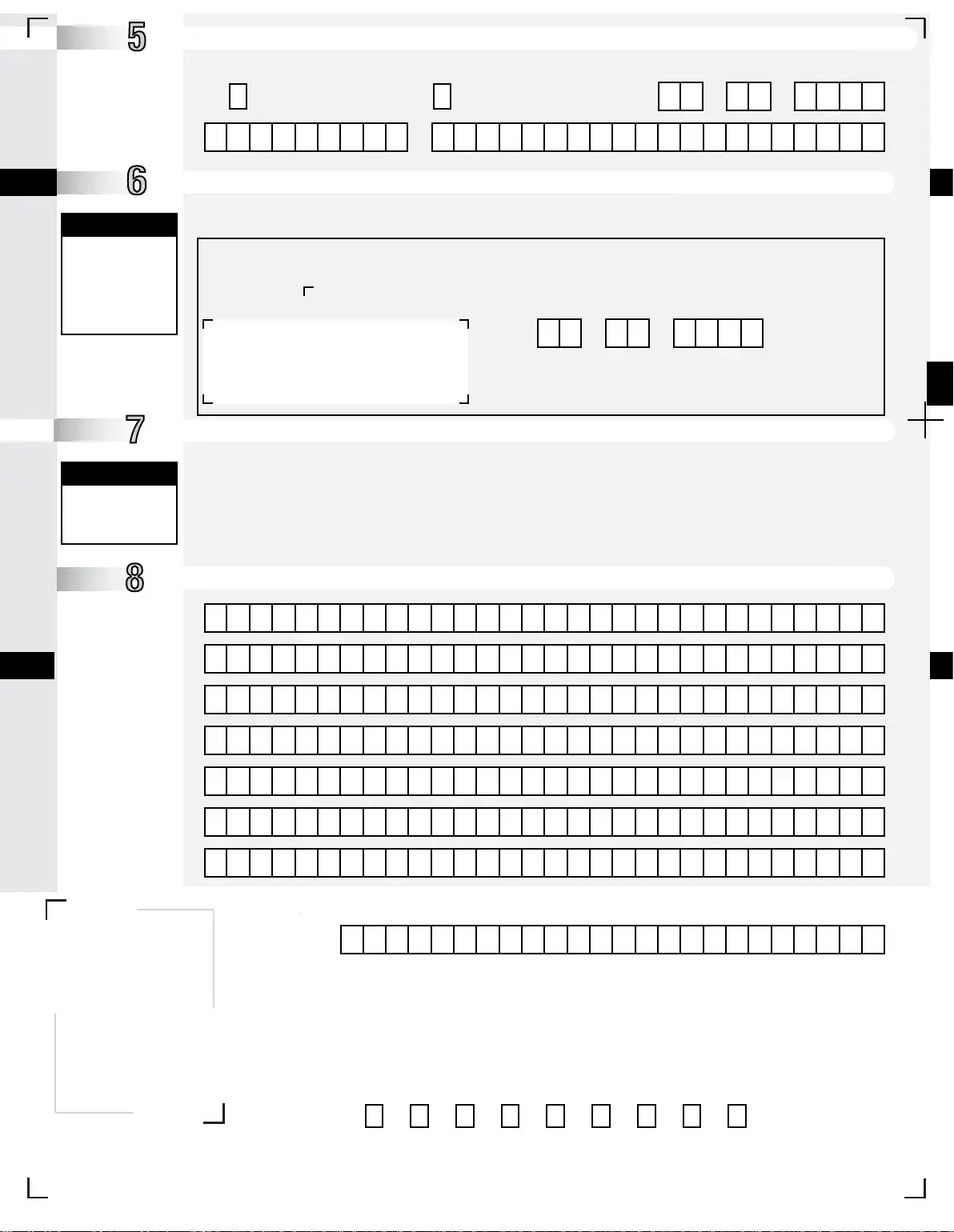
Children’s signature.
Applications will only be valid if you:
- Sign the white signature box below using black biro
- Keep within these marks
- Put date in date box to th
e right
Date DD/MM/YYYY
If the person named in section 2 is aged 12 to 15, they must sign and date this section
More information
If you need more space, please see the information on section 8 in the guidance notes at www.gov.uk
Notes
Type of passport
R SE SN DO DE NOPC
Certificate of registration or naturalisation
OS/01/03
Office use only
Ofice use only
SECTION
SECTION
GET IT RIGHT
GET IT RIGHT
GET IT RIGHT
If a parent or guardian
is signing section 9,
they must have
parental responsibility
and should give their
relationship to the
child. If the parents
are not married, the
father will not
normally have
parental responsibility.
Please see the
guidance notes for
more details.
The person acting as
the countersignatory
must sign section 10.
GET IT RIGHT
GET IT RIGHT
Please use the boxes at
Section 8 to tell us which
countrys passport your
countersignatory holds,
and his or her email
address.
To avoid unnecessary
delays, please do not
use a label or stamp
on this form.
Please enclose two
photos that meet the
photo guidance.
On the back of only
one photo, the
countersignatory
must write
“I certify
that this is a true
likeness of...”
giving
the full name and title
of the
person named
in section 2. The
countersignatory
must sign and date
this endorsement.
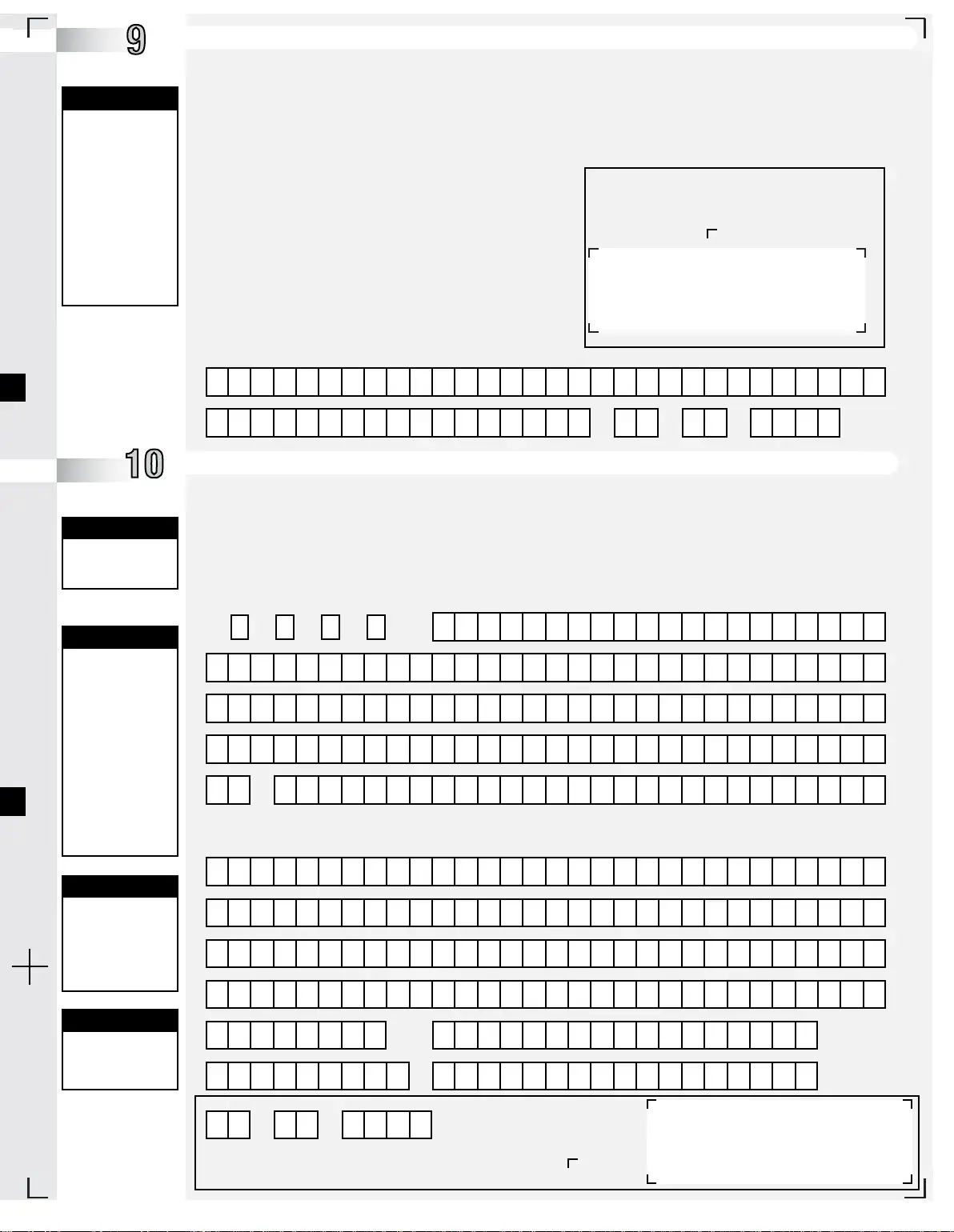
By countersigning this application, you
agree to us checking passport records
to confirm your countersignature.
Designed in the UK by Adare Limited 774485-007 08/13
Countersignatures will only be
valid if you:
- Sign the white signature box
using black biro
- Keep within these marks
- Put date in date box to the left
Mr
Name, if signing on behalf of a child (title, first name and surname)
Relationship to child
Date DD/MM/YYYY
Surname
Postcode
Current passport number
Mobile phone number
Alternative phone number
Date DD/MM/YYYY
I confirm that I have known the person named in section 2, or in the case of a child, the adult filling in section 9 (insert their name)
Profession, professional qualifications or position in the community
Your employer’s name and the address you work at (or your private address if this does not apply)
for (insert years) as (please say how - for example, employer, colleague, friend and so on).
As far as I know, the information on this form is correct. I hold either a full current British, Irish, other EU, US or
Commonwealth passport (delete as appropriate). I have read the caution and I understand it.
Mrs Miss Ms or title
First and middle names
yrs
It is a criminal offence to make a false statement to get a passport. If you have made a false statement on this form, you
could be prosecuted and could go to prison. Our work includes checking that the countersignature in section 10 is genuine.
I declare that I am 16 years or over (or will be within two weeks) and that:
1 I will return a lost passport
to a UK passport office if it comes into my possession;
2 I, or the person named in section 2 of this application (if different), am a British national and have not lost or given up my national status;
3 I have stated if the person named in section 2 was born of a surrogacy arrangement;
4 I do not owe any money to the UK Government for repatriation or similar relief;
5 this application does not break the
terms of any court order
to which I, and the person named in section 2 (if different)
am subject;
6 as far as I know all the information I have given in this
application is correct;
7 if the application is for a child, I have parental responsibility
and I have enclosed any court orders that relate to the child’s
residence, contact or removal from the UK/country of residence;
8 I, or the person named in sec
tion 2 of this application (if
different), understand that by voluntarily applying for a British
passport, I may lose my citizenship of another country; and
9 I have read both the guidance notes and the caution above
and fully understand the consequences of my actions in
applying for a passport.
Before signing, please read the guidance booklet
Applications are only valid if you:
- Sign the white signature b
ox below using black biro
- Keep within these marks
Declaration This must be filled in by the person named in section 2. If under 16, their parent or guardian must fill this in instead.
Countersignatory If a countersignature is needed, they must fill in this section after the rest of the form has been filled in.
Caution It is a criminal offence to make a false statement to help someone get a passport. Check the form properly before
you fill in this section. If you have made any false statements on this form, or if you know that the person applying
has made any false statements on this form, you could be prosecuted and could go to prison.
Our work includes checking that your details are genuine. As a result, we may need to contact you. You should not
sign this form if you are a relative of t
he person applying.
IMPORTANT If the application is for a child, you are confirming the identity of the adult signing in section 9. You must
also be able to identify the child in order to certify the photograph.
Fill in the following in CAPITAL LETTERS and black biro. (cross (X) box Mr, Mrs, Miss, Ms, or write your title)
OS/01/04
Signature
File Properties

Fact Name Details
Application Eligibility This form is specifically for British applicants residing in certain countries outside the UK.
Contact Information Applicants must provide a full address, including state or province, and a mobile phone number for queries related to delivery.
Application Format All sections of the form must be completed in CAPITAL LETTERS using black biro only, and information should be written only within designated white boxes.
Photo Requirements Two passport photos that meet specified guidelines must be submitted; one must be certified by the countersignatory.
Lost or Stolen Passports If applying to replace a lost or stolen passport, applicants must fill out form LS01 and include all uncancelled passports with their application.
Parental Responsibility For applications concerning children, a person with parental responsibility must sign the relevant sections of the form.
Legal Consequences Providing false information on the application form is a criminal offense and may lead to prosecution.

Instructions on Utilizing Uk Passport Application

Filling out the UK Passport Application form requires careful attention to detail. After completing the form, you will need to submit it along with the required documents and fees. Ensure that all information is accurate to avoid delays in processing.

  1. Obtain the UK Passport Application form from the official website or a designated location.
  2. Use a black biro and fill in the form in CAPITAL LETTERS.
  3. In Section 1, indicate the type of passport you are applying for by marking the relevant box.
  4. Provide personal details in Section 2, including your title, surname, first and middle names, and any previous names.
  5. Enter your current address, including state or province and postcode.
  6. Fill in your date of birth and gender by marking the appropriate box.
  7. Provide your place of birth and country of birth.
  8. Include your mobile phone number and an alternative phone number.
  9. In Section 3, indicate whether you have had a passport before and provide details if applicable.
  10. If applying for a child, ensure Section 9 is signed by a person with parental responsibility.
  11. Complete Section 4 if you are applying for your first adult passport or replacing a lost passport.
  12. Provide details of your parents, including their names, dates of birth, and nationalities.
  13. In Section 8, include any additional information if there is not enough space in previous sections.
  14. Sign the declaration in Section 9, ensuring you meet all requirements.
  15. If required, have a countersignatory complete Section 10, ensuring they meet the criteria outlined.
  16. Attach two passport photos that meet the specified guidelines.
  17. Double-check the form for accuracy and completeness before submission.
  18. Submit the completed form along with the necessary documents and payment.

Important Facts about Uk Passport Application

1. Who can use the UK Passport Application form?

This form is specifically designed for British applicants who are currently residing in certain countries outside the UK. It’s important to check the official website at www.gov.uk/overseas-passports for detailed guidance on how to properly apply or renew your passport based on your location. This ensures that you follow the correct procedures and avoid unnecessary delays.

2. What details are required in the application form?

You will need to provide your full address, including the state or province and postal code. Additionally, your mobile phone number is crucial, as it allows the passport office to reach you if there are any questions regarding your application. Make sure to fill out the form using capital letters and black ink only, and be careful to write within the designated white boxes. If you find that you cannot fit all the necessary information in the provided spaces, you can use Section 8 to include additional details.

3. What happens if I make a mistake on the application?

Errors on the application can lead to delays in processing. If you make a mistake, fail to include required documents or fees, or submit photos that do not meet the specified guidelines, your application may be held up. It is essential to double-check all entries and ensure that you have attached all necessary documentation before submitting your application.

4. How will my personal information be used?

The information you provide in your application will be electronically scanned and stored. A digital image of your photo and signature will be included in your passport. The Passport Office may also verify the details you submit against records held by various public and private organizations. This process helps to ensure the integrity and security of passport services. For more information on how your data will be handled, please refer to the privacy statement available at www.gov.uk/hm-passport-office.

5. What if I am applying for a child’s passport?

When applying for a child under 16, the application must be signed by someone with parental responsibility. If both parents were born after December 31, 1982, or were born outside the UK, additional information about grandparents may be required. Make sure to read the specific notes regarding applications for children carefully to ensure all necessary information is provided, as incomplete applications may be delayed or rejected.

Common mistakes

When filling out the UK Passport Application form, applicants often make several common mistakes that can lead to delays or complications. Understanding these pitfalls can help ensure a smoother application process.

One frequent error is using the wrong writing instrument. The instructions clearly state to use black biro only. Submitting the application with a different color pen can result in rejection. Additionally, filling out the form in lowercase letters instead of capital letters is another mistake that can hinder processing. Each section must be completed in capital letters to ensure clarity and legibility.

Another common mistake involves the omission of essential contact information. Applicants often forget to include their full address, including the state or province and postal code. This information is crucial, as it allows the passport office to reach out if there are any questions regarding the application. Similarly, not providing a mobile phone number can delay communication about the application status.

Many applicants also fail to check the specific requirements for their passport type. Whether applying for a renewal, a first passport, or a replacement, each category has unique criteria. Not understanding these differences can lead to incomplete applications. Furthermore, neglecting to provide all necessary documents, such as previous passports or forms, can result in processing delays.

Inaccurate information about parental details is another area where applicants stumble. When applying for a child’s passport, it is essential to provide accurate information about both parents, including their full names, dates of birth, and nationalities. Missing or incorrect details can complicate the application process significantly.

Failure to sign the application correctly is a frequent oversight. The signature must be placed in the designated area using black biro. If the application is for a child, a parent or guardian must sign, confirming their parental responsibility. Not following this requirement can render the application invalid.

Finally, many applicants overlook the photo requirements. Submitting photos that do not meet the specified guidelines can lead to rejection of the application. It is crucial to ensure that the photos are recent, properly sized, and that the countersignatory has endorsed one of them correctly.

By being aware of these common mistakes, applicants can take the necessary steps to complete the UK Passport Application form accurately, thereby avoiding unnecessary delays and ensuring a smoother application experience.

Documents used along the form

When applying for a UK passport, several additional forms and documents may be required to support your application. Each document serves a specific purpose and helps ensure that your application is processed smoothly. Below is a list of commonly needed forms and documents.

  • Form LS01: This form is necessary if you are replacing a lost or stolen passport. It provides details about the lost passport and is essential for processing your application.
  • Certificate of Registration or Naturalisation: If you have obtained British nationality through registration or naturalisation, you must include this certificate to verify your status.
  • Previous Passports: All uncancelled passports must be submitted with your application. If your passport is lost or stolen, you will need to provide details about it.
  • Birth Certificate: A copy of your birth certificate may be required, particularly for first-time applicants or those applying for a child’s passport.
  • Marriage or Civil Partnership Certificate: If your name has changed due to marriage or civil partnership, include this certificate to establish the link between your previous and current names.
  • Passport Photos: You must submit two recent passport-sized photos that meet specific guidelines. One photo should be certified by a countersignatory.
  • Parental Consent Form: For applicants under the age of 16, a parental consent form must be completed, confirming that a parent or guardian has authorized the application.

Having these documents ready can help streamline the passport application process. Always refer to the official guidance for the most accurate and up-to-date information regarding requirements.

Similar forms

  • Visa Application Form: Similar to the UK Passport Application, a visa application form requires personal information, including name, address, and nationality. Both documents also necessitate a declaration of the applicant's identity and status.
  • Driver's License Application: Like the passport application, a driver's license application demands proof of identity and residency. Both forms often include sections for personal details and may require supporting documents.
  • Social Security Application: The Social Security application shares similarities with the passport application in that both require personal identification details and may involve verification of citizenship or residency status.
  • Birth Certificate Application: Applying for a birth certificate involves providing personal information and proof of identity, much like the passport application. Both documents require accurate details to ensure proper processing.
  • Marriage License Application: This application requires personal information and identification, similar to the passport application. Both forms often include sections for signatures and may require witnesses.
  • Green Card Application: The Green Card application, like the passport application, involves providing extensive personal information and proof of residency or citizenship. Both processes may require interviews or additional documentation.
  • Employment Authorization Document (EAD) Application: The EAD application requires personal information and proof of eligibility to work in the U.S., similar to the passport application’s requirement for citizenship verification.
  • Travel Document Application: Applying for a travel document requires details about the applicant's identity and nationality, akin to the passport application. Both forms may also need supporting documents to confirm eligibility.

Dos and Don'ts

When filling out the UK Passport Application form, there are several important dos and don'ts to keep in mind. Following these guidelines will help ensure a smooth application process.

  • Do use a black biro only when filling out the form.
  • Do write in capital letters and within the white boxes provided.
  • Do include your full address, including the international code for your phone number.
  • Do check the accompanying guidance notes carefully before submitting your application.
  • Do ensure all required documents and fees are enclosed with your application.
  • Don't make any marks outside the designated boxes, as this may cause delays.
  • Don't use labels or stamps on the application form.
  • Don't forget to provide additional information in Section 8 if you run out of space.
  • Don't submit photos that do not meet the specified guidelines.
  • Don't sign the form if you are a relative of the person applying.

By adhering to these dos and don'ts, you can help ensure that your passport application is processed efficiently and without unnecessary complications.

Misconceptions

When it comes to applying for a UK passport, several misconceptions can lead to confusion and potential delays. Understanding the facts can help applicants navigate the process more smoothly. Here are four common misconceptions:

  • Only UK residents can apply for a UK passport. Many believe that only individuals residing in the UK can apply for a passport. In reality, British citizens living abroad can also apply for their passports from outside the UK using the appropriate forms.
  • Any pen can be used to fill out the application form. Some applicants may think that they can use any pen for their application. However, it is explicitly stated that applicants must use a black biro only. Using the correct pen helps ensure that the application is processed without issues.
  • Providing a mobile phone number is optional. Many applicants assume that including a mobile phone number is not necessary. On the contrary, providing a mobile number is crucial, as the passport office may contact applicants for queries regarding their application or delivery.
  • Photos can be submitted without adhering to specific guidelines. Some individuals might think that any recent photo will suffice. However, the passport application requires that photos meet strict guidelines. Failure to comply with these requirements can lead to delays in processing the application.

Understanding these misconceptions can significantly ease the passport application process. By following the guidelines and providing accurate information, applicants can help ensure a smoother experience.

Key takeaways

When filling out the UK Passport Application form, several important considerations can help ensure a smooth application process. Below are key takeaways to keep in mind:

  • Use the Correct Tools: Fill out the form using a black biro and write in capital letters. Ensure that all information is contained within the designated white boxes to avoid delays.
  • Provide Complete Information: Include your full address, including the state or province and postal code. If any details do not fit in the provided boxes, use Section 8 to provide the necessary information.
  • Follow Photo Guidelines: Submit two photos that meet the specified photo guidance. One photo must have a countersignatory's endorsement on the back, confirming it is a true likeness.
  • Check for Additional Requirements: If you are applying for a child or replacing a lost passport, additional forms and information may be required. Review the guidance notes carefully to ensure all necessary documents are included.