Instructions on Utilizing Wh 58
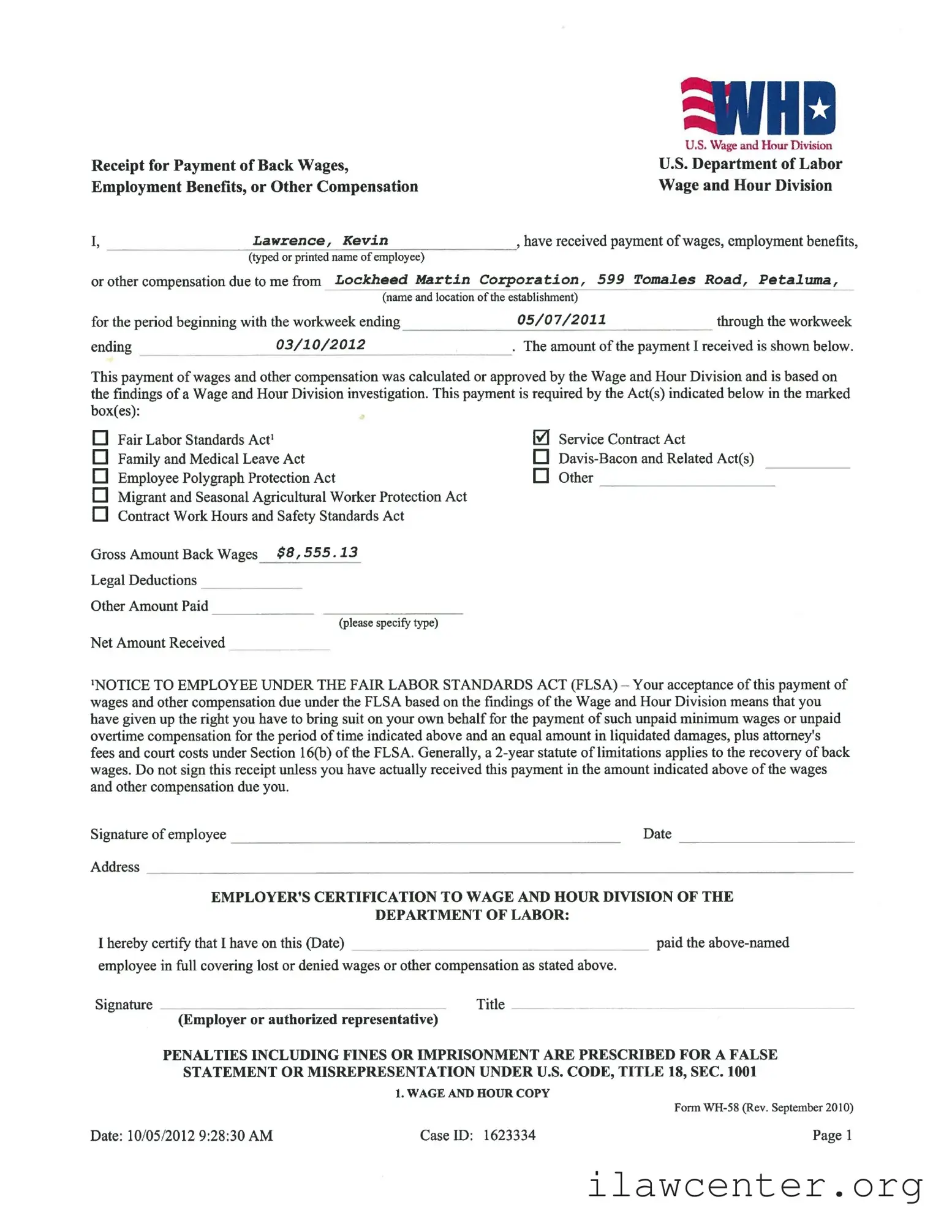
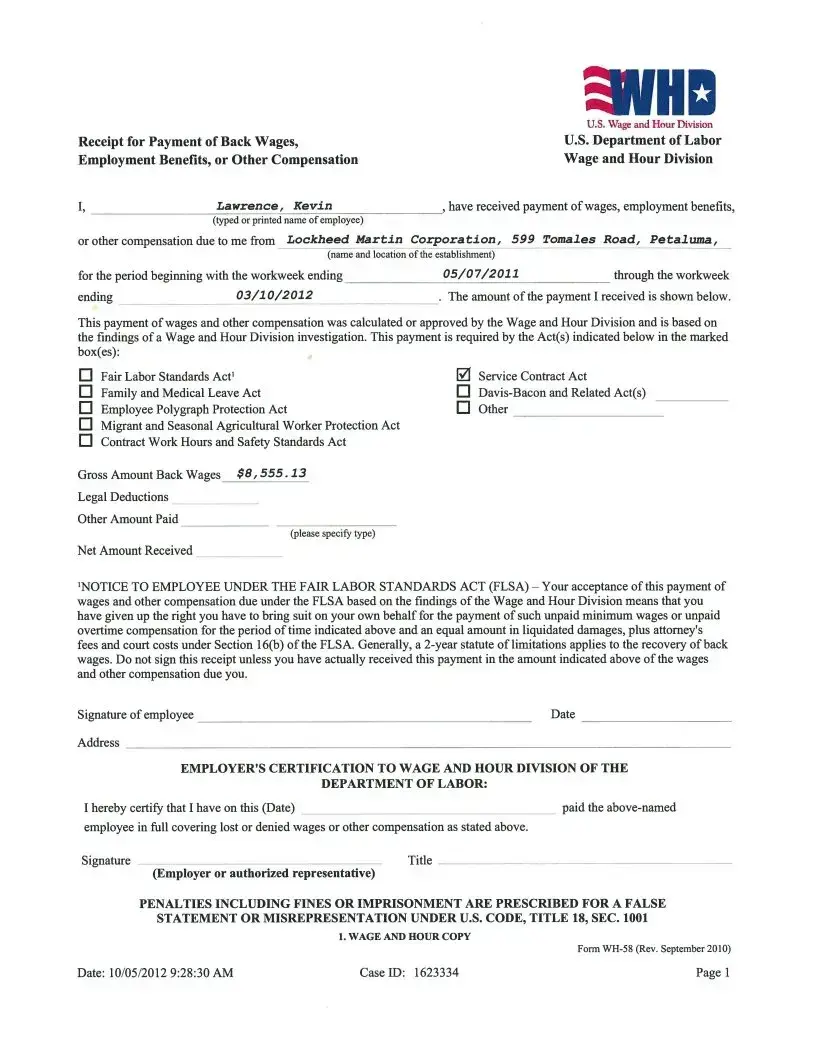
Completing the WH-58 form is a straightforward process that requires careful attention to detail. This form is essential for documenting the receipt of back wages or other compensation as determined by the Wage and Hour Division. After filling out the form, ensure that you keep a copy for your records, as it serves as proof of the payment received.
- Begin with your information: At the top of the form, enter your full name as the employee. This should be typed or printed clearly.
- Provide the employer's details: Fill in the name and address of your employer, including the establishment's location.
- Specify the period: Indicate the workweek range for which you are receiving back wages. Write the start and end dates clearly.
- Enter the payment amount: Write the gross amount of back wages you received. Make sure to include any legal deductions and specify any other amounts paid, if applicable.
- Check applicable laws: Mark the boxes for the relevant Acts under which the payment is made. This could include the Fair Labor Standards Act, Family and Medical Leave Act, or others as applicable.
- Read the notice: Carefully review the notice regarding your acceptance of payment. This informs you of your rights concerning unpaid wages and the implications of signing the receipt.
- Sign the form: Sign and date the form to confirm that you have received the payment in the specified amount.
- Employer's certification: The employer or authorized representative must complete the certification section, including the date and signature.
After you have filled out the form, double-check all the information for accuracy. Once completed, submit the form as directed, ensuring that both you and your employer retain copies for your records.